
Turn CCTV snapshots into hazard records.
Picture a loading-dock camera saving one still every hour to SharePoint or Google Drive. A scheduled SoterAI workflow pulls the latest image, reads the whole scene, and creates a hazard record automatically when it finds an issue.
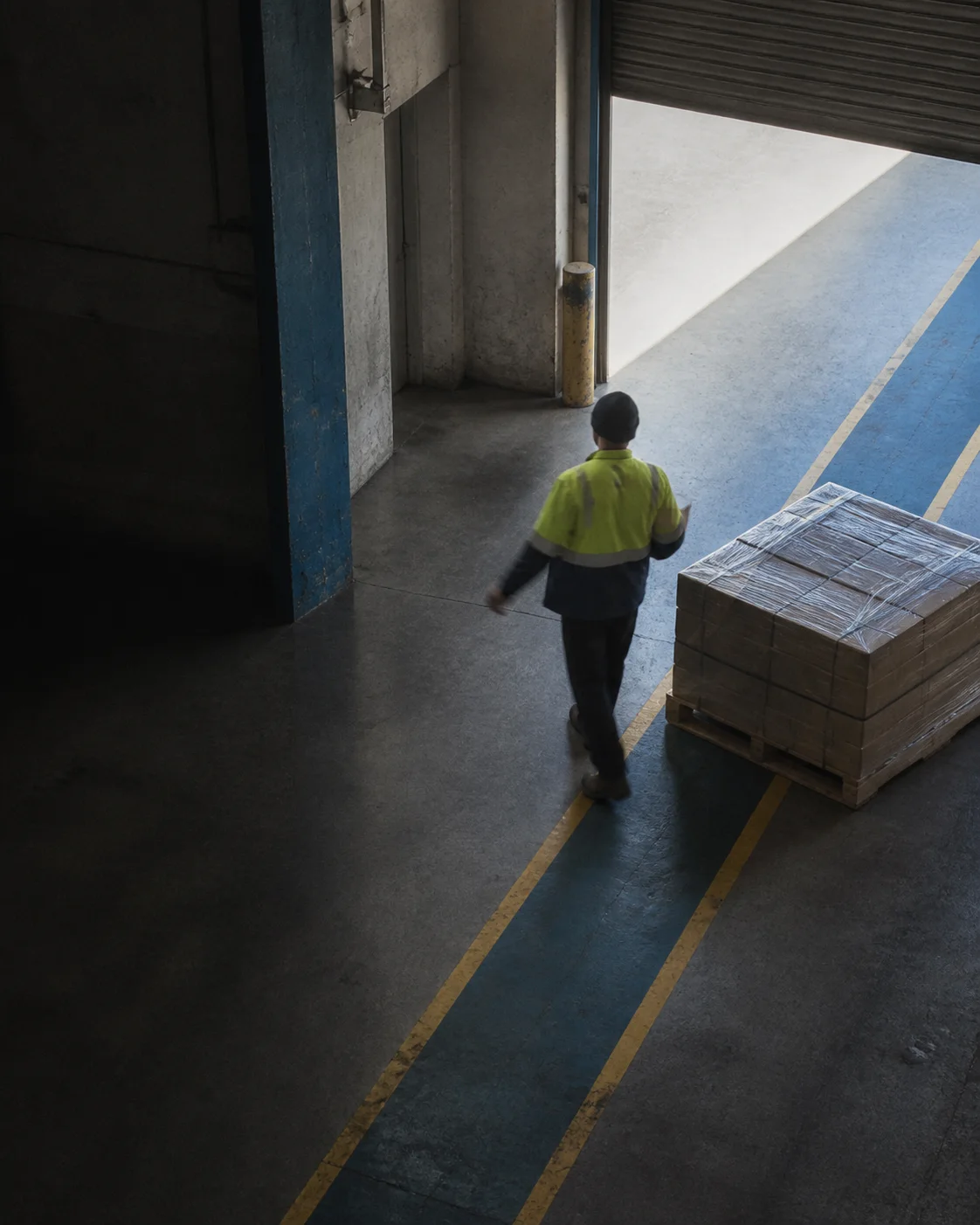
- INPUT
- Scheduled still snapshots
- SOURCE
- SharePoint or Google Drive
- ENGINE
- SoterAI hazard identification
- OUTPUT
- Searchable hazard records
THE PROBLEM
Hazards don't announce themselves. Inspection is how you find them anyway.
A blocked exit, a missing spill kit, a control that quietly stopped working — none of these trigger an alarm on their own. What turns them into an incident is time: the longer a hazard sits unnoticed, the more likely someone finds it the hard way.
Regular inspection is what closes that gap. Not a one-time audit, but a standing habit of walking the same areas on a schedule, asking the same questions, and checking that the controls put in place to prevent an incident are still there and still doing their job.
WHAT A GOOD INSPECTION IS REALLY DOING
- SPOT the hazard before it becomes an incident, not after
- VERIFY the control meant to prevent it is actually in place
- CONFIRM that control is implemented properly and still working
Doing this consistently, across every camera and every shift, is where manual walkthroughs struggle to keep up. That's the gap this workflow is built to close.
FREE, NO OBLIGATION
Want help building this for your own cameras?
Book a short walkthrough with our team. We'll help you map out the connector, the prompt, and the record types for your facility.
One snapshot, from camera to hazard record
Your CCTV system saves a still to a cloud folder. SoterAI pulls the image, analyzes the scene, and creates a hazard record automatically when it finds an issue.
- 0101
Scheduled snapshot
Your camera saves a still on a schedule you choose.
- 0202
SharePoint or Google Drive
The image lands in a designated cloud folder.
- 0303
Secure folder connector
A scheduled SoterAI workflow pulls the latest images from the folder.
- 0404
Full scene analysis
SoterAI identifies hazards, controls, and the focus items configured for that camera.
- 0505
Hazard record created
When SoterAI finds an issue, it creates a searchable hazard record automatically.
TO GET STARTED: confirm that your CCTV system can export scheduled snapshots, connect the selected SharePoint or Google Drive folder, and configure the custom workflow in SoterAI.
Built on the cameras you already run
Most enterprise CCTV platforms can export a scheduled snapshot to a cloud folder without new hardware or per-camera licensing fees.
Don't see your platform? Most systems still support this through FTP upload, a network share, or an API. The Soter team can help confirm the right setting for your setup.
What goes in, what comes back
IN
The snapshot
Pick a camera already aimed at the problem area. Save a still on a schedule that makes sense for that view, perhaps once an hour at a loading dock. The image lands in a designated SharePoint or Google Drive folder.
ANALYSIS
The whole scene
SoterAI builds a narrative of the image, identifies hazards, and checks which controls are present, missing, or inadequate. It can also flag potential OSHA violations and follow specific instructions for that camera.
- Is the emergency exit route clear?
- Is the spill kit where it should be?
- Is PPE being worn in this zone?
You write the focus instructions for each camera or area. Soter can help if needed.
OUT
A hazard record
When the analysis finds an issue, SoterAI can create a hazard record, send an in-app or email notification, or do both. The record captures what was observed, when it appeared, and what action may be needed, and stays searchable alongside the rest of your safety data.
Camera footage stops living in a silo.
Each issue becomes a SoterAI hazard record instead of disappearing into a camera archive. The record can be found, reviewed, and connected to the rest of your safety data.
- SEARCH find CCTV hazard records alongside the rest of your records
- REVIEW see what was observed, when it appeared, and what action may be needed
- CONNECT bring CCTV findings into the wider risk intelligence layer
Best for hazards that stay in view
A blocked exit can remain visible in the next scheduled image. A forklift and pedestrian can cross paths between snapshots, so the workflow may never see it.
What it is
- Scheduled snapshots from cameras you already own
- Full narrative analysis of each scene
- Hazards and missing or inadequate controls
- Custom instructions for each camera or area
- Automatically created, searchable hazard records
What it is not
- It does not watch live video; anything between snapshots can be missed
- It does not require you to replace your existing cameras
- It is not designed for fast-moving events that last only a few seconds
- It needs folder access and a scheduled workflow configured before use
| SCENARIO | LIKELY TO CATCH | MAY MISS |
|---|---|---|
| Blocked emergency exit | Almost always — it stays in view | Only if it's cleared between snapshots |
| Missing spill kit | Visible in most frames | If it's moved and returned before the next snapshot |
| Housekeeping or clutter | Persistent physical hazards | — |
| PPE non-compliance | Only if a person is in frame at snapshot time | Brief or fast-moving moments |
| Forklift and pedestrian near-miss | — | Happens in seconds, usually between snapshots |
One customer's hazardous-waste monitor
Built by an EHS team that wanted their existing cameras to do more than record.

BUILT BY
Christopher Firment
Director of EHS, W.W. Enroughty & Son Inc.
“I didn't need a new system, just a smarter way to look at the one we already had running.”
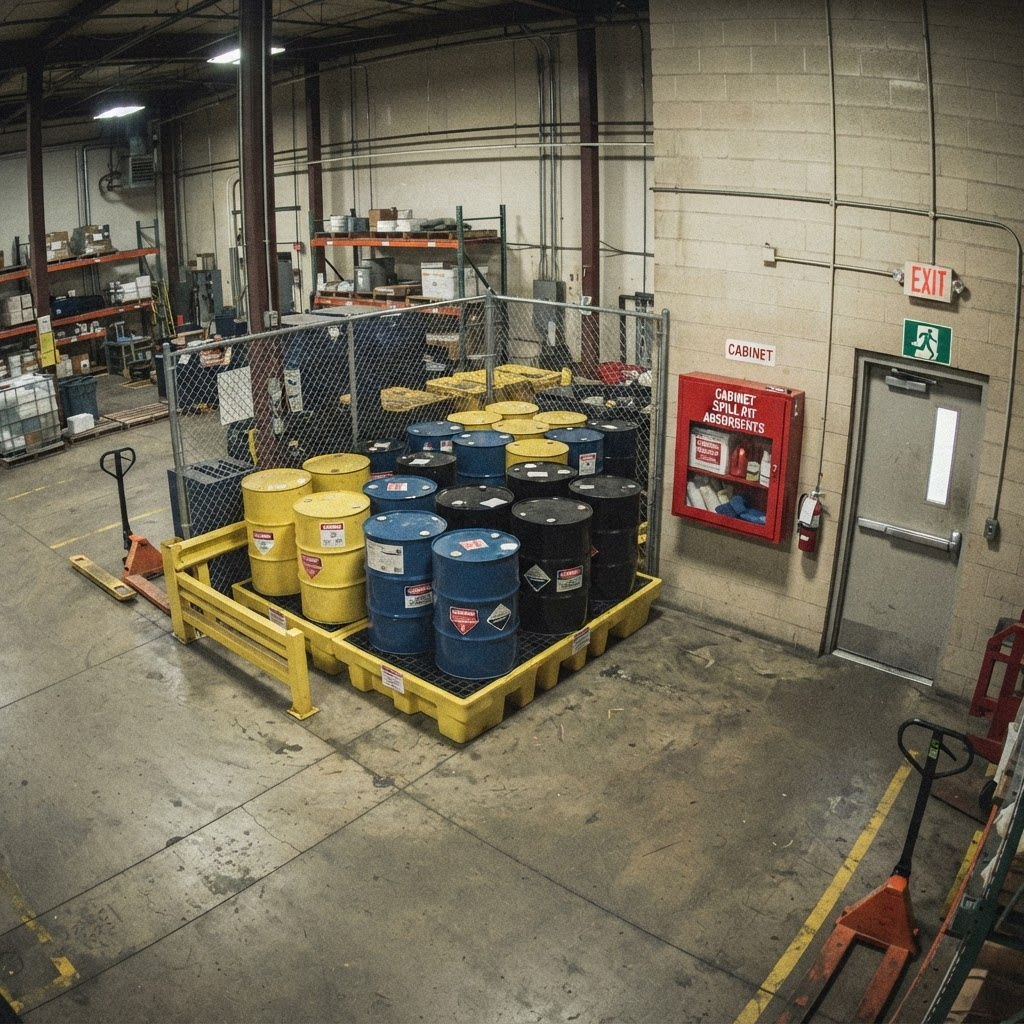
- CAMERA
- A fixed camera over a 90-day hazardous waste storage area
- FREQUENCY
- Every hour
- OUTPUT
- A hazard record created automatically, plus an in-app and email alert to the safety manager.
FOCUS ITEMS
- Emergency exit clear and unobstructed
- Spill kit present and accessible
- Waste containers closed and labeled
- No unauthorized personnel in the area
RESULT
The workflow flagged a blocked exit on a Tuesday afternoon. The record was created, the safety manager was notified, and the aisle was cleared within two hours, well before the next scheduled walkthrough would have caught it.
See the full build breakdown in the help centerStart with one or two cameras
Choose a small area and a short list of things to look for. Validate the analysis before rolling the workflow out more widely.
- STEP 01
Choose the camera views
Pick one or two existing cameras pointed at persistent EHS concerns, such as a fire exit that keeps getting blocked.
- STEP 02
Connect the cloud folder
Save snapshots to SharePoint or Google Drive, connect SoterAI securely, and review the relevant data-sharing documentation.
- STEP 03
Schedule and validate
Configure the focus instructions and frequency, then review the quality of the first records before expanding the workflow.
Questions we would ask too
GET STARTED
Start with one camera and one focus area.
Tell us what you want the camera to watch for. We will help configure the folder, focus instructions, and first scheduled run.
- Choose one or two existing camera views
- Connect a SharePoint or Google Drive folder
- Review the first hazard records before expanding
Prefer to explore first? Try SoterAI.
Book a walkthrough
Share your setup and the condition you want to detect. We'll help you map out the connector, the prompt, and the record types for your facility.
Loading form...