
Safety Inspection
Can AI analyze site photos to find hazards and write an inspection report?
Yes, AI can analyze site photos to flag visible hazards and draft an inspection report, but a review by a qualified person is needed before the result is used. Computer vision reads what's in the frame: missing PPE, open edges, poor ladder setup. It drafts findings fast, which cuts the gap between walking a site and documenting it. It can't verify what the camera never captured or judge context.

Head of AI, Soter
Written for EHS professionals. Rules and figures link to the official sources cited in the text. Any assessment and its controls remain a judgment for the qualified person accountable for the work.
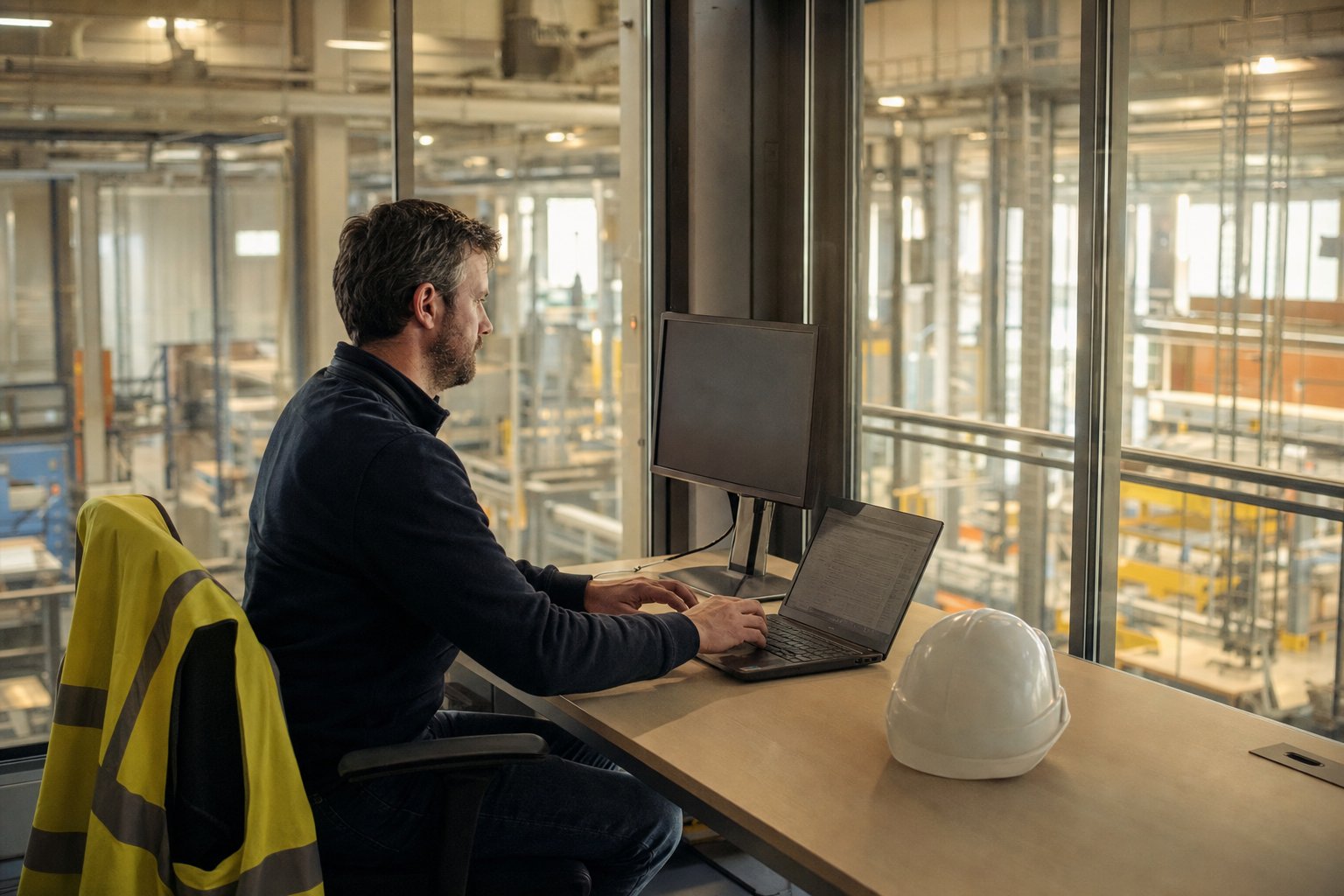
Yes, AI can analyze site photos to flag visible hazards and draft an inspection report, but a review by a qualified person is needed before the result is used. Computer vision reads what's in the frame: missing PPE, open edges, poor ladder setup. It drafts findings fast, which cuts the gap between walking a site and documenting it. It can't verify what the camera never captured or judge context. The sections below separate what it detects reliably from what still needs a competent person's eyes.
What AI Photo Analysis Can and Cannot Detect on a Job Site
Yes, AI can flag visible hazards in site photos, but it can't confirm conditions a camera never captured or judge context the way a competent person does.
What it can detect
Computer vision works on what's visible in the frame. Typical detections include:
- Missing or incorrectly worn hard hats, high-visibility vests, and harnesses
- Unguarded floor openings and missing guardrails at edges
- Ladders set at poor angles or placed on uneven ground
- Debris, blocked walkways, and poor housekeeping
- Surface features such as tension cracks in soil, which researchers have identified from UAV imagery using image-based analytics
Scale is the real advantage. NIOSH notes that drones can often inspect a large worksite more efficiently through aerial photography than on-the-ground personnel can. Software can then run the same detection model over every image in that batch, so a person doesn't have to scroll through each one.
What it cannot detect
A photo is a single moment from a single angle. That limits what any model can conclude.
- Hidden conditions: energized circuits behind panels, corroded anchor points, or trench wall soil behind spoil piles.
- Procedure and competence: a photo can't show whether a lockout/tagout was verified or whether a worker is trained for the task.
- Context: a use that looks fine may be tied off to an unrated anchor outside the frame.
HSE's review of how AI is used in regulated sectors is a useful reference for where these tools sit alongside existing safety management.
What a person must confirm
Treat every AI finding as a lead, not a verdict. A qualified person should verify each flagged hazard on site, check what the image missed, and approve the findings before anything becomes a formal inspection record.
Example: A model flags an open edge on level three. The inspector confirms it's a real gap, then notices a nearby, unphotographed stair opening the model never saw.
How Computer Vision Turns Site Photos and Drone Imagery into Hazard Findings
Computer vision models scan each image for visual patterns they were trained to recognize, then flag matches as possible hazards with a confidence score and a location in the frame.
The process runs in three steps:
- Capture. Workers upload phone photos, or a drone flies a route and records overlapping images.
- Detection. An object-detection or segmentation model draws boxes or outlines around things it recognizes, such as a person without a hard hat, an unguarded floor opening, or a ladder at a steep angle. The model only finds what its training data taught it to look for.
What drone imagery adds
Aerial views work well for conditions visible from above, like missing edge protection or cluttered access routes. They're poor at anything hidden, such as a worn sling inside a bundle or an energized conductor behind a panel.
Where the limits show up
Models struggle with poor lighting, partial occlusion, and conditions that depend on context, like whether a lockout was applied before work began.
Example: A crew uploads 40 photos from a three-story build. The model flags six possible fall-protection gaps. A competent person reviews them, dismisses two as shadows, confirms four, and decides the corrective actions.
From Detected Hazard to Draft Inspection Report: Automating the Write-Up
Yes, AI can turn detected hazards into a draft inspection report, but a qualified person should review it before anyone acts on it.
The write-up step is mostly structured data entry. Once a model flags a hazard in a photo, software can attach the details an inspector would otherwise type by hand.
What the draft contains
A typical automated draft pulls together:
- The photo with the flagged area marked
- A short plain-language description of the condition
Large language models handle the description and corrective-action wording. Computer vision supplies the finding. Your template decides the format. The report side only works if each image is tied to a location and a finding.
What a person must confirm
The draft is a starting point. Before it's issued, a competent person should check:
- Each flagged hazard is real and not a shadow, stored material, or a safe temporary setup.
- The severity rating matches your site's risk matrix.
- Corrective actions are practical and assigned to the right person.
- Anything the camera couldn't see, such as the underside of a platform or a permit status, has been added.
Check the HSE material against your own jurisdiction's rules.
If you want to try this workflow, SoterEHS is one option for safety teams.
Traditional Walkthroughs vs AI-Assisted Inspections: Speed, Coverage, and Accuracy
AI-assisted inspections let a team work through captured imagery in bulk, but a trained inspector still makes the judgment calls a walkthrough depends on.
Speed and coverage are where the gap shows. A person on foot sees one area at a time and has to decide where to spend limited minutes. Imagery can be captured quickly and then reviewed in bulk. The same logic applies to photos from phones or fixed cameras: the same detection model is applied to each image, so the checks don't depend on where a person chose to look.
Accuracy is less one-sided. Software can flag what's visible, such as a missing hard hat, an unguarded edge, or a blocked exit. It can't smell a gas leak, feel a loose anchor, or interview a worker about an unsafe habit. Narrow success on one hazard doesn't mean every hazard is covered.
How the two methods compare
- Walkthrough strengths: conversation with workers, hearing and smell, touching equipment, judging context.
- AI photo strengths: the same detection logic applied to each image, a time-stamped visual record, and a quick first draft of findings.
- Shared weakness: both miss what isn't in view or isn't looked for.
What to confirm before relying on it
A qualified person should verify each flagged hazard against the photo, check that the location and date are right, and decide the corrective action.
Example: a safety lead on a multi-site program has 400 photos from three sites. The AI sorts and flags 30 for review, and the lead confirms 22 as real findings. The walkthrough still happens, but it's now aimed at the areas that need a person.
Accuracy, Human Review, and Regulatory Expectations for AI in Safety Inspections
Yes, AI can draft findings and reports from site photos, but a qualified person should verify every finding before it becomes a record or triggers action.
Where accuracy breaks down
Image models judge what's visible in a frame. They can't see a hazard outside it, a condition that changed an hour later, or context like whether a trench was already shored. Lighting, angle, dust, and occlusion all produce missed hazards and false alarms. Coverage is a benefit, but it doesn't settle whether each flagged item is correct.
Detection works best when tuned to a defined hazard rather than run as a general scan. A CDC-hosted IEEE paper on UAV identification of tension cracks pairs image analytics with site-specific guidance.
What reviewers must confirm
Before a draft report is finalized, a competent person should check:
- Each flagged hazard is real and correctly located.
- Severity and risk ratings match site conditions and your own criteria.
- Nothing important is missing, since silence from a model isn't a clean bill of health.
- Corrective actions are practical and assigned to a named owner.
Example: A model flags an unguarded floor opening on level three. The reviewer finds a cover just outside the frame. They reject the finding, note the photo gap, and retake the shot.
Regulatory expectations
Check your jurisdiction's inspection and recordkeeping rules with a qualified safety professional before changing how reports are approved.
Keep the original photos, the AI output, and the reviewer's edits together so you can show who decided what.
What to do next
Pick one recurring inspection area, such as a loading dock or a mezzanine, and run last month's photos from it through an AI photo-review tool this week, then compare what it flags against your own inspection notes for the same area. Choose photos taken in normal lighting from a consistent angle, since blurry or cropped images give the weakest results, and keep the sample small, perhaps 10 to 20 images, so you can check every output line by line. Mark each AI finding as confirmed, missed, or wrong, and note any hazards it overlooked, such as an unguarded edge or a blocked exit route behind a pallet. A qualified person, such as your site safety lead, should review that comparison before any AI-drafted wording goes into an official report, because the AI can't verify conditions outside the frame or judge compliance against your jurisdiction's rules. If you want a starting point for the comparison, SoterEHS offers a tool for safety teams that you can test on that same sample.